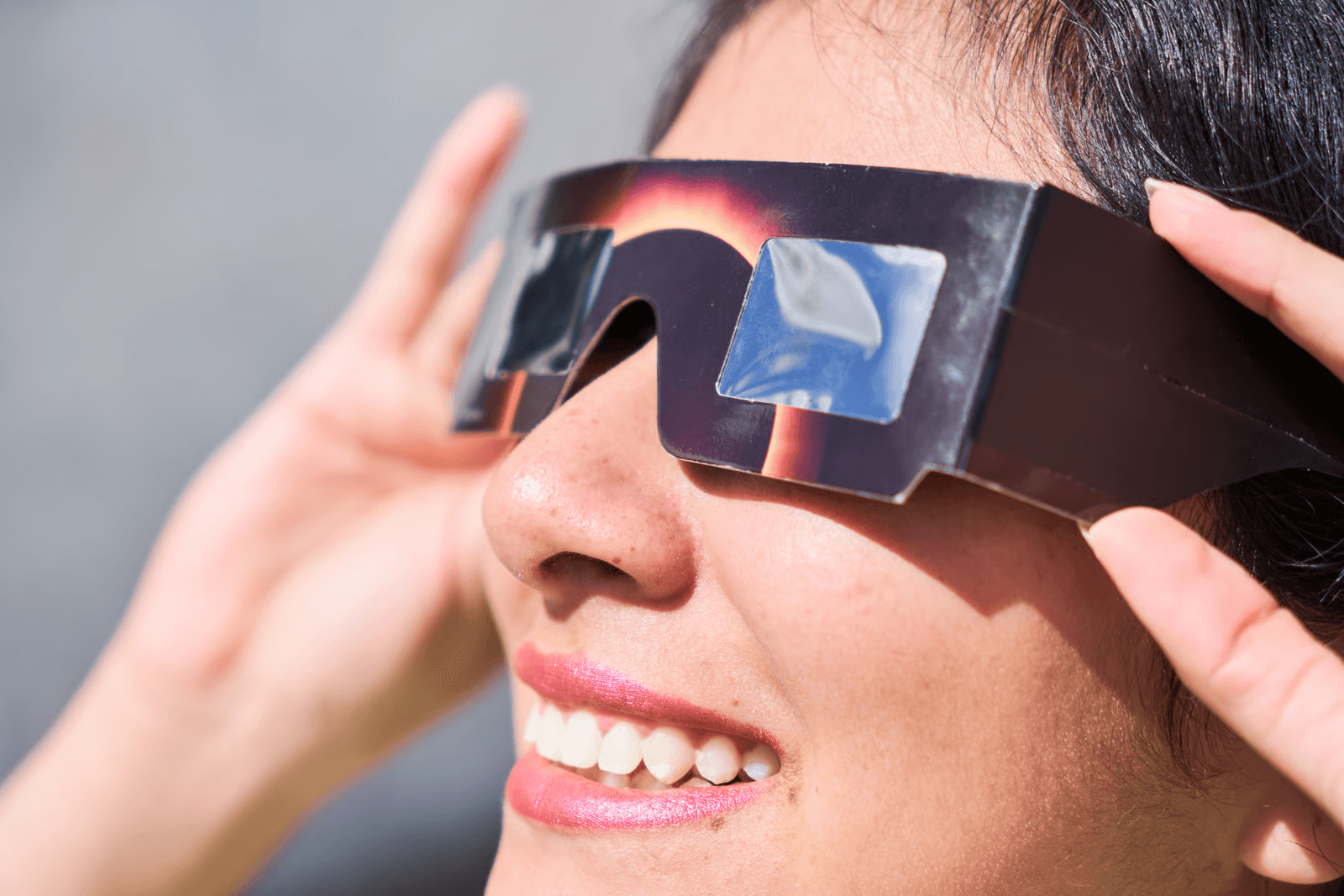
A Simple Way to Capture One of the Sky’s Most Impressive Events
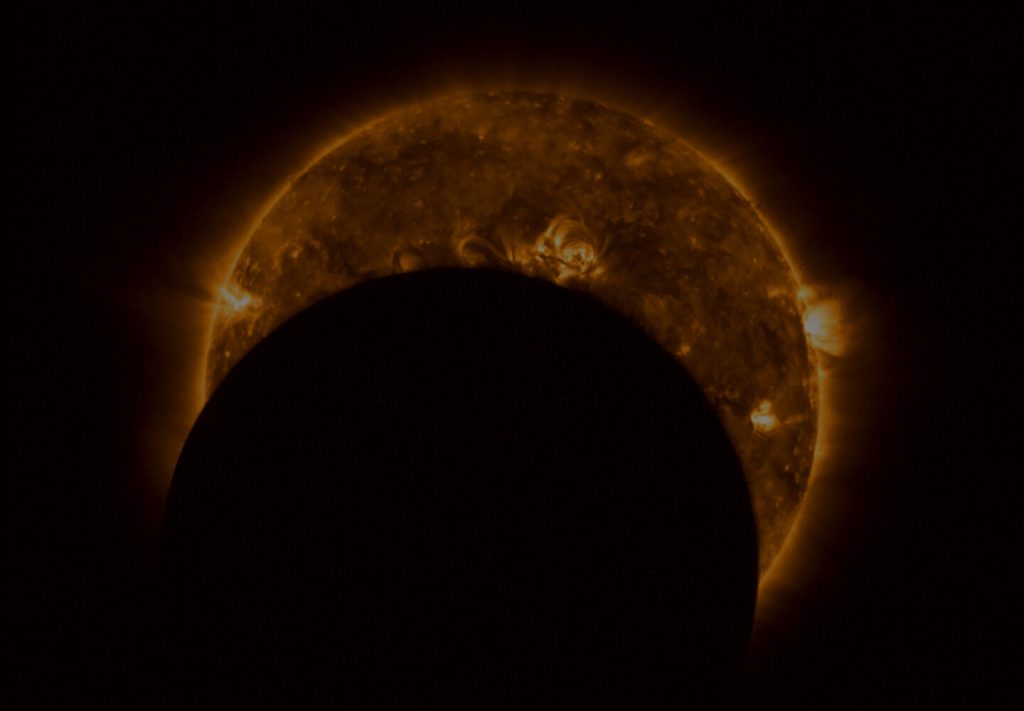
On 12 August 2026, observers across the UK will have the opportunity to witness a spectacular partial solar eclipse. While many people will watch using eclipse glasses, owners of smart telescopes have an excellent opportunity to capture detailed images and time-lapse videos of the event with very little effort.
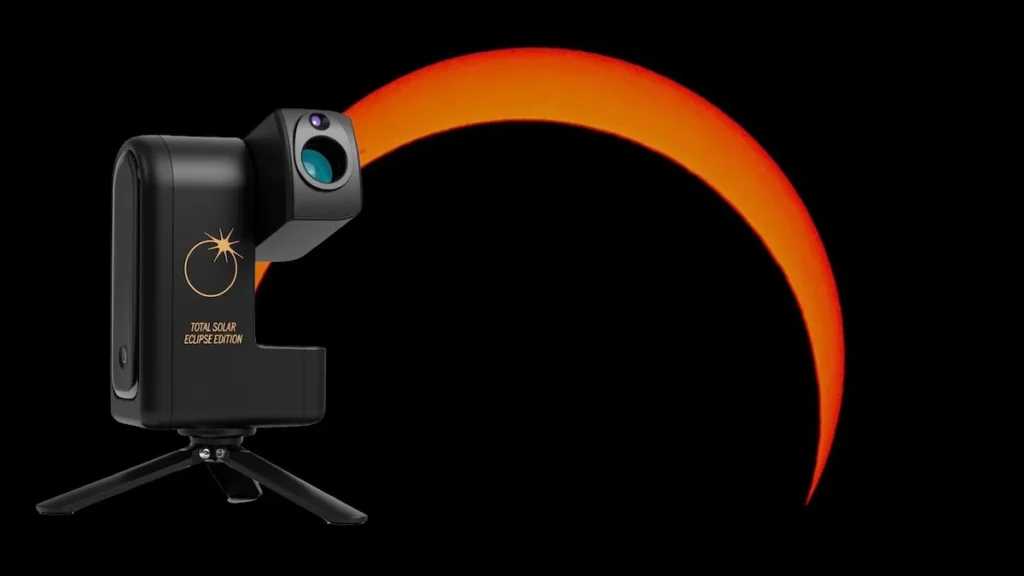
Smart telescopes have transformed amateur astronomy in recent years. By combining optics, tracking, cameras and image processing into a compact, easy-to-use package, they make astrophotography accessible to almost anyone. The Seestar S30 is particularly well suited to eclipse imaging thanks to its portability, automatic tracking and simple smartphone control.
Why Use a Smart Telescope for an Eclipse?
Unlike a traditional telescope, smart telescopes use a built-in camera rather than an eyepiece. Images are streamed directly to your smartphone or tablet through an app, allowing you to monitor the eclipse comfortably while the telescope automatically tracks the Sun.
For beginners, this removes many of the challenges normally associated with solar imaging. Once properly configured, the telescope can continuously record the progress of the Moon as it slowly moves across the Sun’s face.
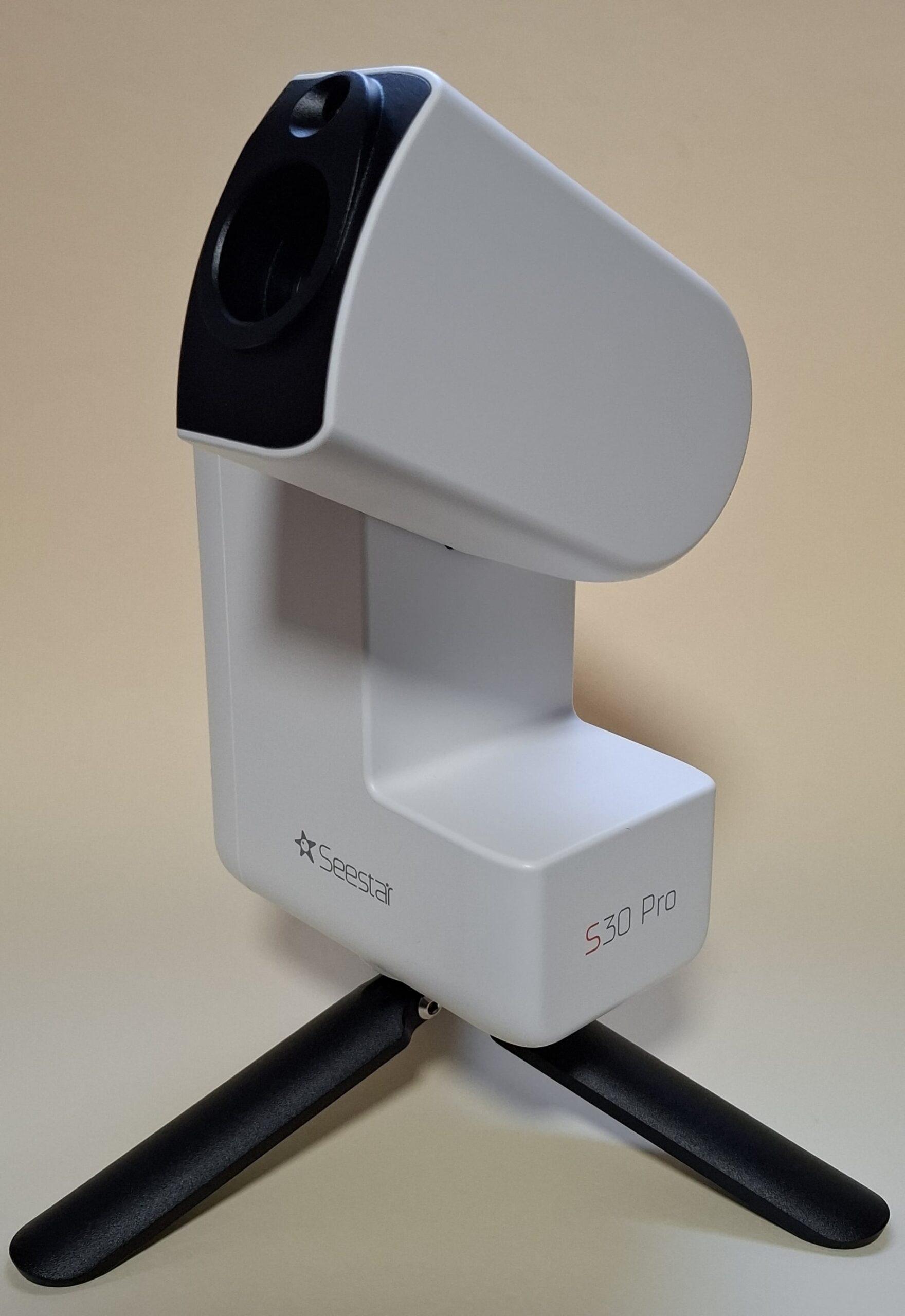 The compact Seestar S30 Pro smart telescope is capable of automatically tracking and imaging the Sun when fitted with an appropriate solar filter
Solar Safety Comes First
A smart telescope is not automatically safe for solar observing.
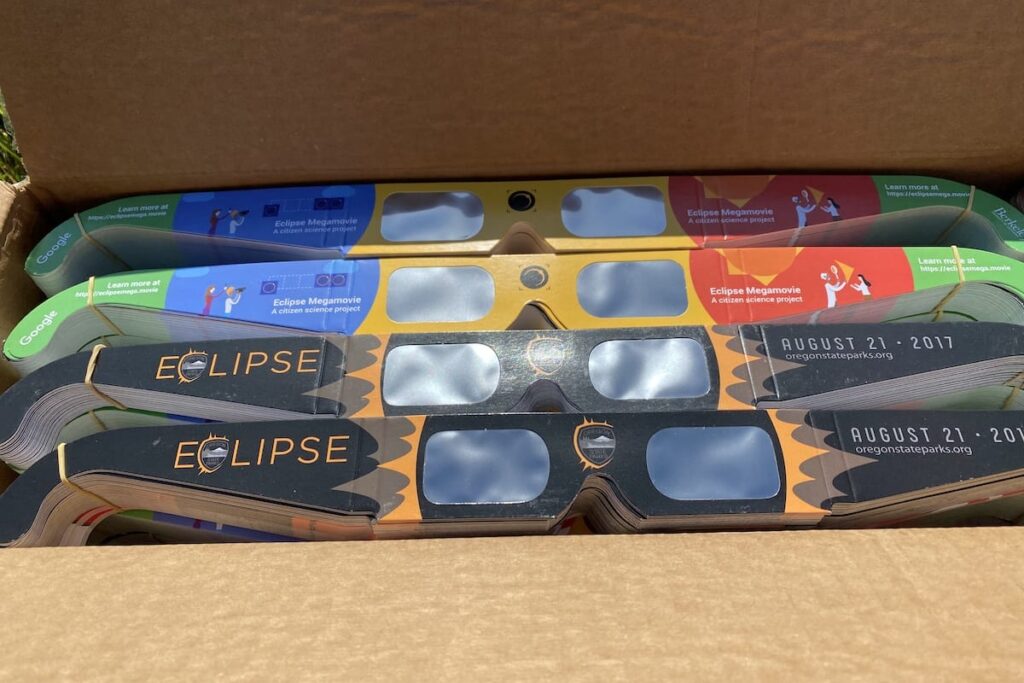
Before pointing any telescope at the Sun, a certified solar filter must be securely fitted over the front objective lens. Failure to do so can permanently damage the telescope and its camera sensor.
Always follow the manufacturer’s instructions and double-check that the filter is firmly attached before beginning observations.
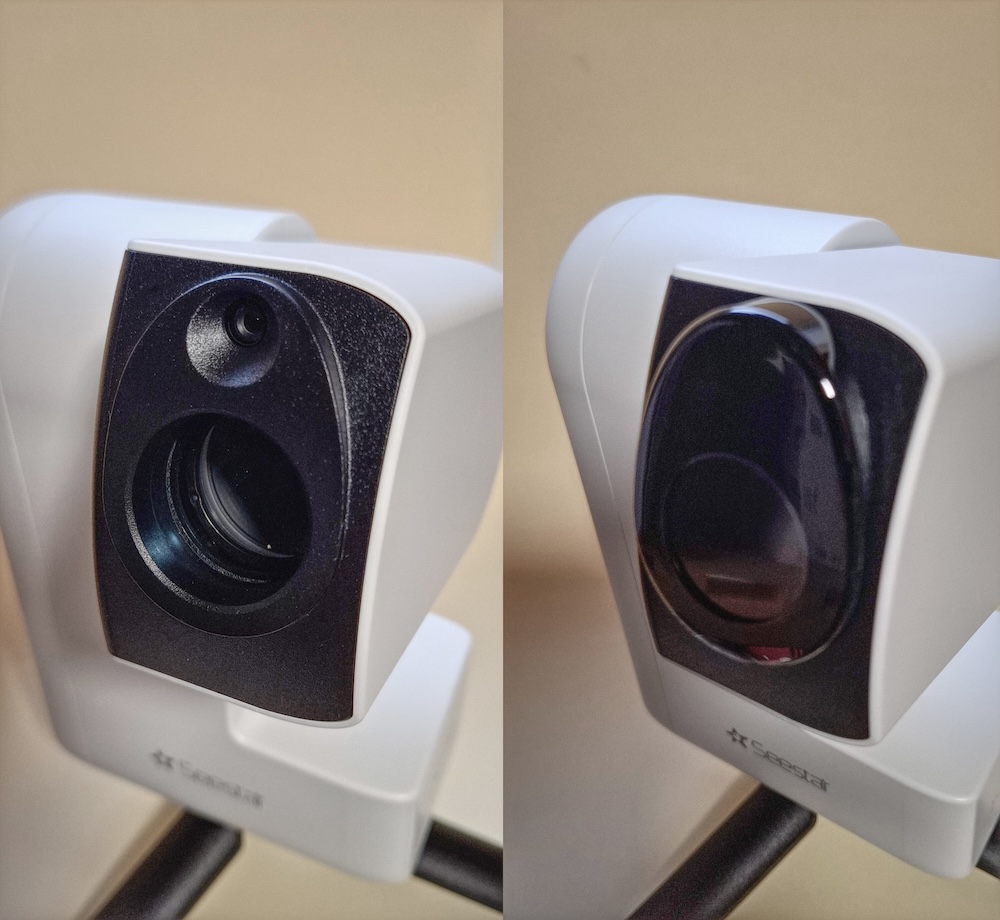 A dedicated solar filter fitted securely over the objective lens makes solar observation safe
Choosing the Right Solar Filter
Many smart telescopes are supplied with a solar filter suitable for eclipse imaging. These filters often produce an attractive orange-coloured Sun that many observers find visually appealing.
However, some users choose to replace the supplied filter with a Baader Solar Film filter. Baader filters typically produce a neutral white image and can reveal slightly finer detail in sunspots and solar surface features.
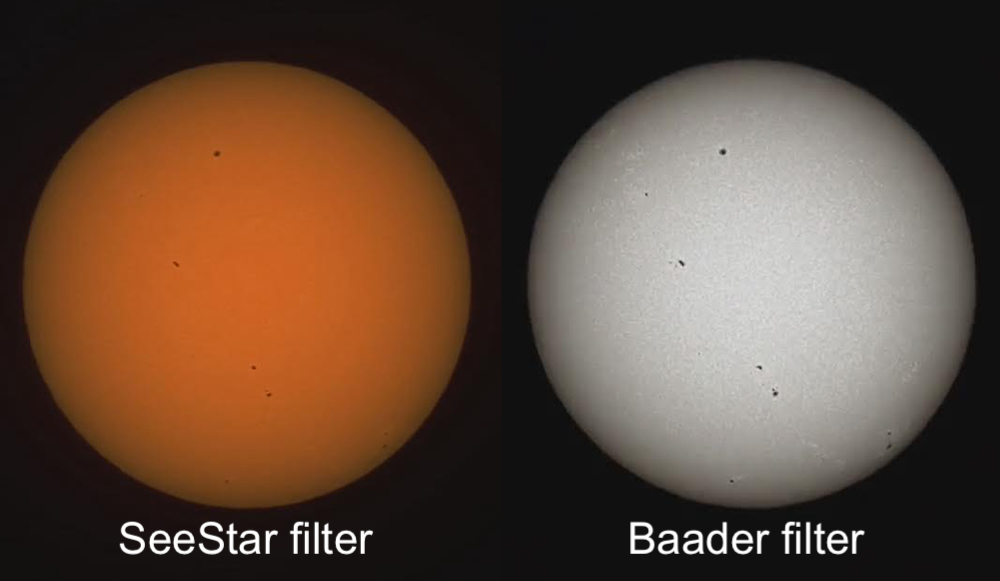 Comparison between an orange-coloured solar filter image and a Baader Solar Film image showing additional contrast and detail
For Seestar users, dedicated Baader-film filters are available for the S30, S30 Pro and S50 models.
Preparing for Eclipse Day
The eclipse will take place during the early evening, running from approximately 6:15 pm until 8:00 pm BST, with maximum eclipse occurring at around 7:13 pm BST.
Choose an observing location with a clear, unobstructed view towards the south-western horizon. Since the Sun will be relatively low in the sky, nearby trees, buildings or hills could block your view during the most dramatic stages of the eclipse.
Arrive early and allow plenty of time for setup. This gives you an opportunity to check your equipment, confirm the solar filter is fitted correctly and ensure everything is working as expected before the eclipse begins.
Finding and Tracking the Sun
Once the telescope is assembled and the solar filter is in place, use the app to activate Solar Mode.
The telescope will automatically locate and track the Sun, providing a live view on your smartphone or tablet. Modern smart scopes make this process remarkably simple compared with traditional solar observing equipment.
Optimising Your Eclipse Images
Although the Sun appears dim through a solar filter, it remains an extremely bright target for a camera sensor.
Using the controls within the app, reduce the exposure and gain until the solar disc appears crisp and well defined. A properly exposed image should show:
* A sharp solar edge (limb)
* Visible sunspots, if present
* Good contrast across the solar disc
* No overexposed or blown-out areas
As the eclipse progresses, the Moon’s perfectly circular silhouette will gradually move across the Sun. Watching this celestial geometry unfold in real time is one of the highlights of any solar eclipse.
Creating a Time-Lapse of the Eclipse
One of the most rewarding ways to record the eclipse is by creating a time-lapse sequence.
The app that accompanies a smart telescope will enable users to capture images at regular intervals throughout the event. These can later be combined into a video showing the Moon’s steady journey across the solar disc.
Some users may prefer to use the telescope’s built-in time-lapse function. Once recording is complete, the resulting video provides a dramatic visual summary of the entire eclipse.
Individual frames can also be extracted later as still images for sharing on social media or printing.
Managing Battery Power
The eclipse will last for almost two hours, and continuous tracking and imaging can place a significant demand on the telescope’s battery.
Before the event:
* Fully charge the battery.
* Charge your smartphone or tablet.
* Consider bringing a USB-C power bank.
A portable power bank can be connected directly to the telescope and will help ensure uninterrupted operation throughout the eclipse.
Enjoy the Experience
While capturing photographs is rewarding, don’t spend the entire eclipse staring at a screen.
Take a few moments to step back and appreciate what you’re witnessing. A solar eclipse is one of nature’s most beautiful astronomical events, and watching the Moon slowly carve a dark silhouette across the face of the Sun is an experience that remains memorable long after the images have been processed and shared.
With a Smart Telescope such as a Seestar S30, a secure solar filter and a little preparation, you’ll be perfectly placed to record the partial solar eclipse of 12 August 2026 and create your own lasting record of this remarkable celestial event.